Adding Meeting Mouse to a Slack workspace takes about a minute and 4 steps. It is free, and you need no account with us. Add to Slack starts it.
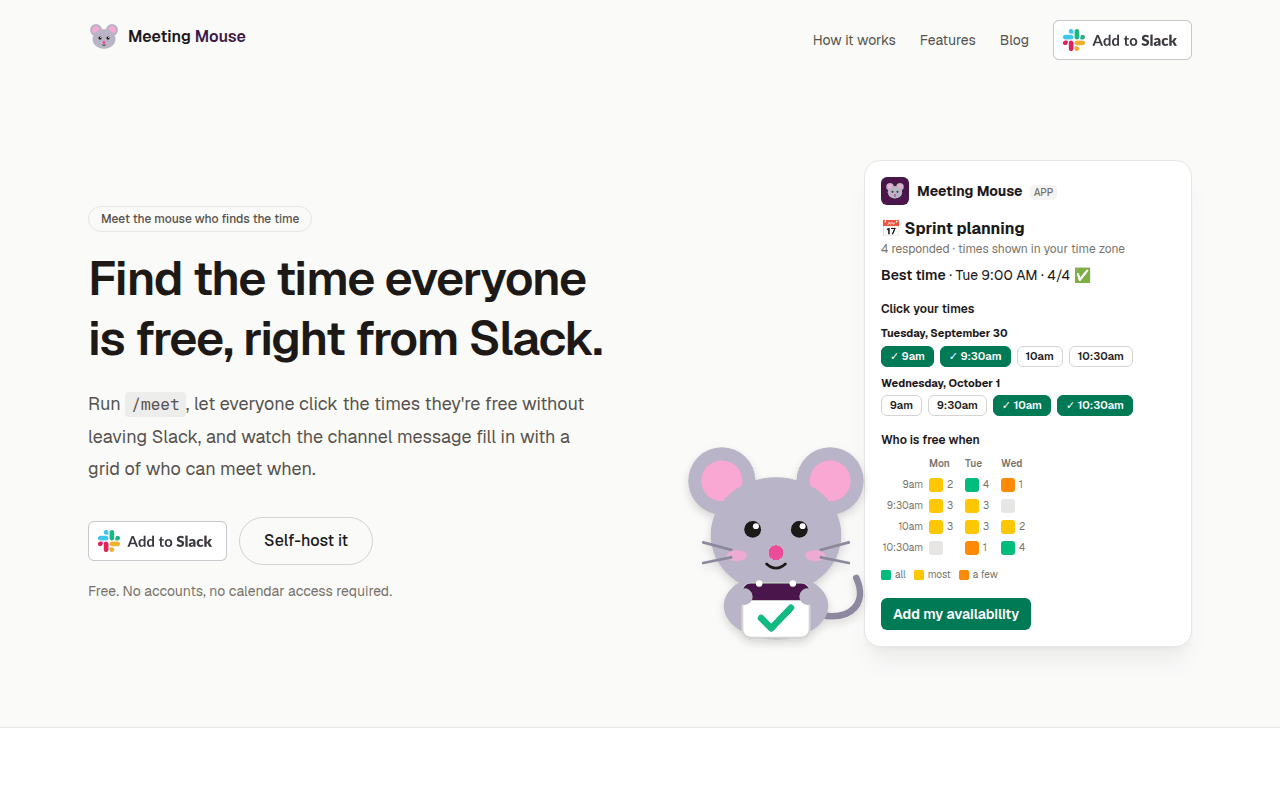
1. Click Add to Slack
Start on the Meeting Mouse homepage and click Add to Slack. You need no account with us.
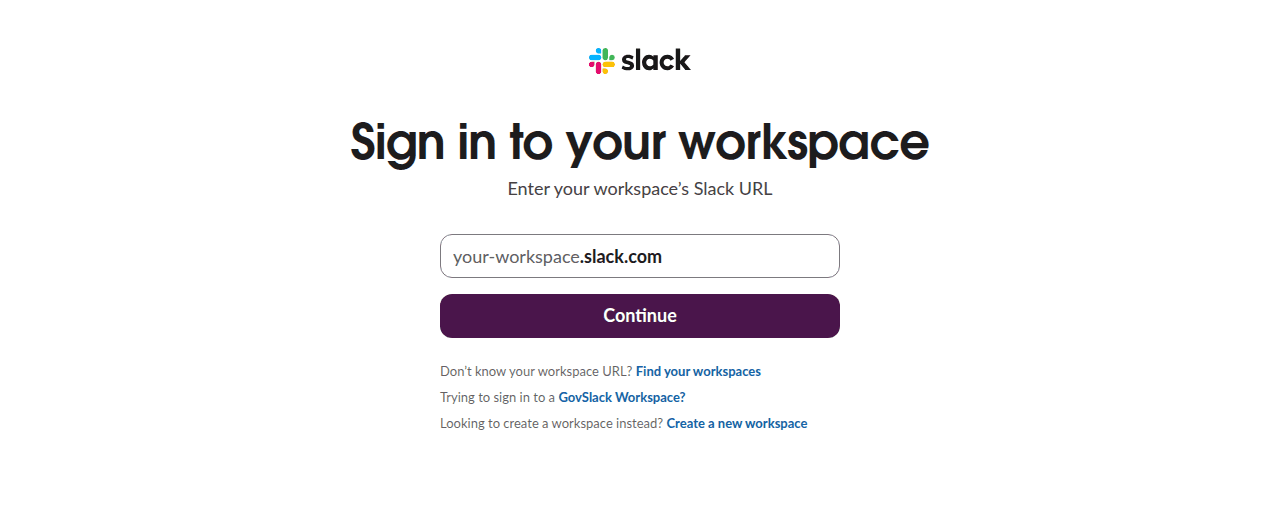
2. Sign in to your workspace
If your browser is not signed in to Slack, Slack asks which workspace you want. Enter its address and sign in. If you are already signed in, Slack skips this step.
3. Review the permissions and click Allow
Slack shows what Meeting Mouse will be able to do in the workspace you picked. Check the workspace name in the top corner, then click Allow. If your workspace requires approval for apps, Slack sends the request to an admin first.
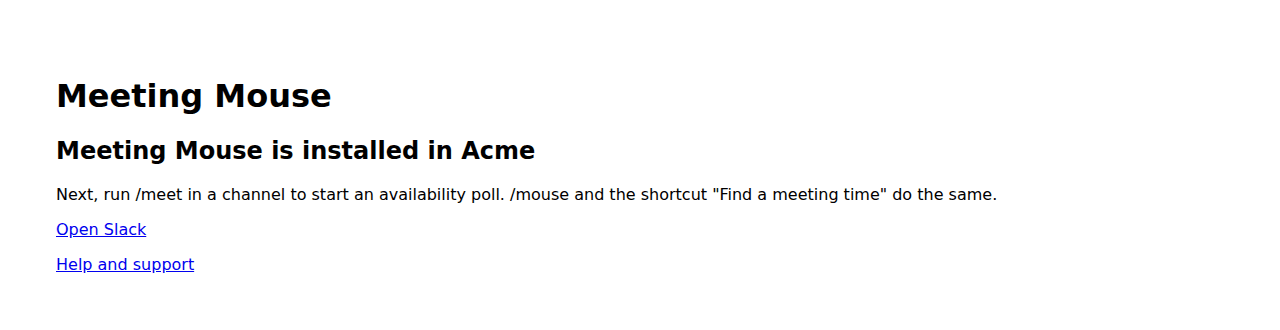
4. See the confirmation
You land on a page that says Meeting Mouse is installed in your workspace. There is nothing else to set up. Open Slack and start a poll in any channel.
What Slack asks you to allow
Slack's page in step 3 lists these 4 permissions. Meeting Mouse asks for nothing else, and it cannot read your messages, files or channel member lists.
commands: Add the slash commands and the shortcut that start a poll.chat:write: Post the poll message in the channel you choose, keep it up to date, and reply in its thread with the final time.chat:write.public: Post a poll in a public channel without someone inviting the app to it first.users:read: Read your display name and time zone, so times are shown in your own zone and the poll can list who answered.
After installing
In a channel, run /meet Sprint planning to start your first poll. The support page walks through the rest, and the privacy policy says what the app stores.
Removing the app
A workspace admin can remove Meeting Mouse at any time from the workspace's app management page in Slack. Everything the app stored for the workspace is deleted at once.